Start on
solid ground.
SET UP
Get help with account setup, sign-in, personalisation and sensible settings for privacy, access and spending.
A practical introduction to ChatGPT for work, business or everyday life. In approximately one hour, get help with setup, learn the basics and practise using it safely.

You don’t need to know everything about AI. Start with the tools and tasks that make sense for you, with someone to guide you through them.
SET UP
Get help with account setup, sign-in, personalisation and sensible settings for privacy, access and spending.
TRY IT
Use a simple everyday task to practise giving ChatGPT clear instructions, working with documents and improving the first response.
BUILD CONFIDENCE
Leave with practical exercises and a discovery workbook to refer to. Put the basics into practice before taking the next step.
02 / Stage 1 — Discovery
A practical guided introduction for anyone wanting to get started with ChatGPT. We work at your pace, with time to ask questions and try things yourself.
Face-to-face or online
Guided workbook
No technical background needed
Work through account setup, sign-in and the settings that matter before getting started.
Write a prompt, add context and ask follow-up questions. See how a clearer brief changes the result.
Get an introduction to selected features, such as documents, Projects, personalisation or voice. Email and calendar connections can be explored where appropriate.
Review the output, protect sensitive information and understand your usage and spending controls.
Whether you’re using ChatGPT for personal tasks, working in a team or running a business, the starting point is the same: something you actually need to get done.

EVERYDAY LIFE / A TRAVEL PROJECT
Keep your travel ideas, booking details and preferences together in a ChatGPT Project. Build an itinerary, compare options and refine the plan as things change.
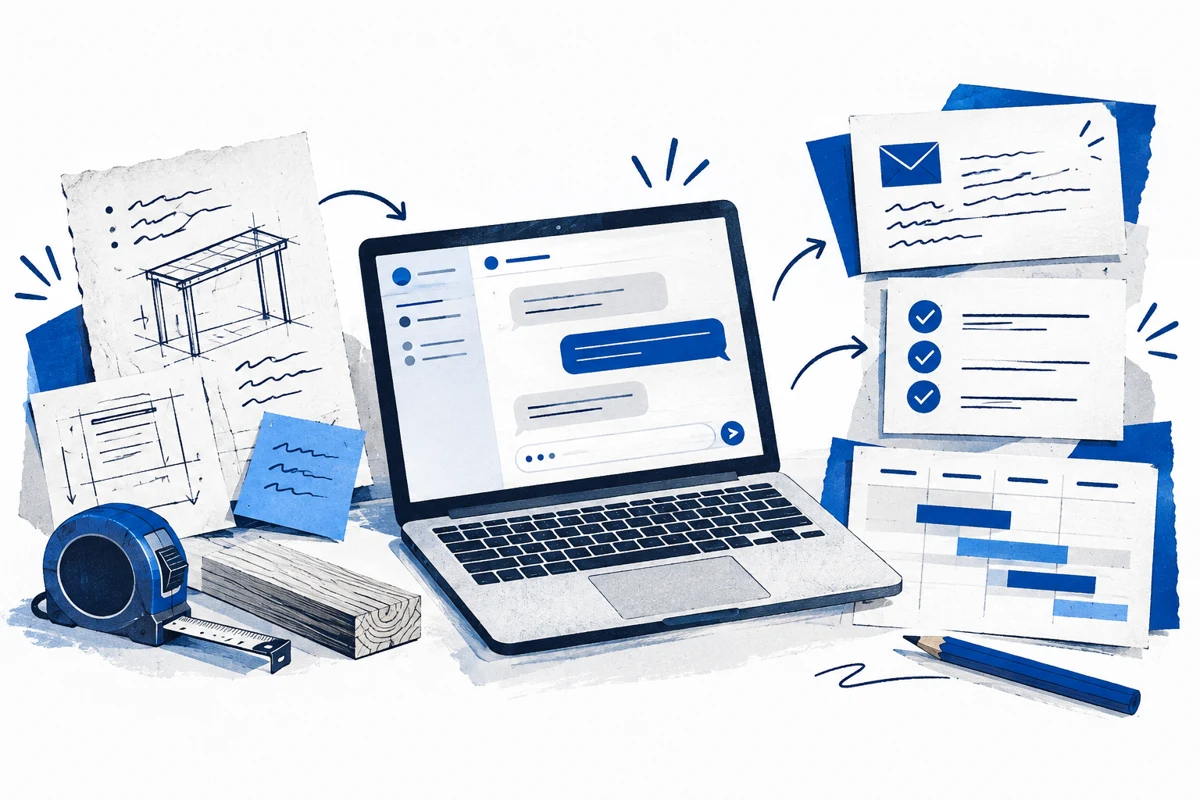
BUSINESS / A CUSTOMER JOB PROJECT
Keep job notes and relevant documents together in a ChatGPT Project. Use that context to draft customer updates, prepare checklists and plan the next steps.
Illustrative examples. You check the details and decide what to use.
FROM THE JOB SITE / ROUGH NOTES
Deck frame done.
Rain stopped work.
Back Thursday,
weather permitting.
Need side gate unlocked.
“Turn these job notes into a customer update. Don’t add anything I haven’t confirmed.”
Hey Alex,
The deck frame is finished. Rain stopped work today, so we’re planning to return Thursday, weather permitting.
Can you please leave the side gate unlocked for access?
Cheers
Illustrative draft. You check, edit and send.
Turn a few rough notes into a clear client update, follow-up or team message.
Pull out key points, explain unfamiliar wording and prepare questions to follow up.
Shape your ideas into a checklist, a meeting agenda or a simple plan.
Use voice to capture ideas or work through a first draft when typing isn’t convenient.
CONFIDENCE COMES WITH CONTROL
Once you’ve had time to put the basics into practice, an optional Stage 2 follow-up session can focus on your interests, work or everyday tasks, and the areas where AI may be most useful.
LET’S GET STARTED
Register your interest in the Stage 1 Discovery Session. We’ll be in touch to explain how the session works, discuss pricing and arrange a suitable time.
No commitment.
Just a conversation about where to start.